
Article List
The theme automatically aggregates all articles and renders an article list at the /article/ route.
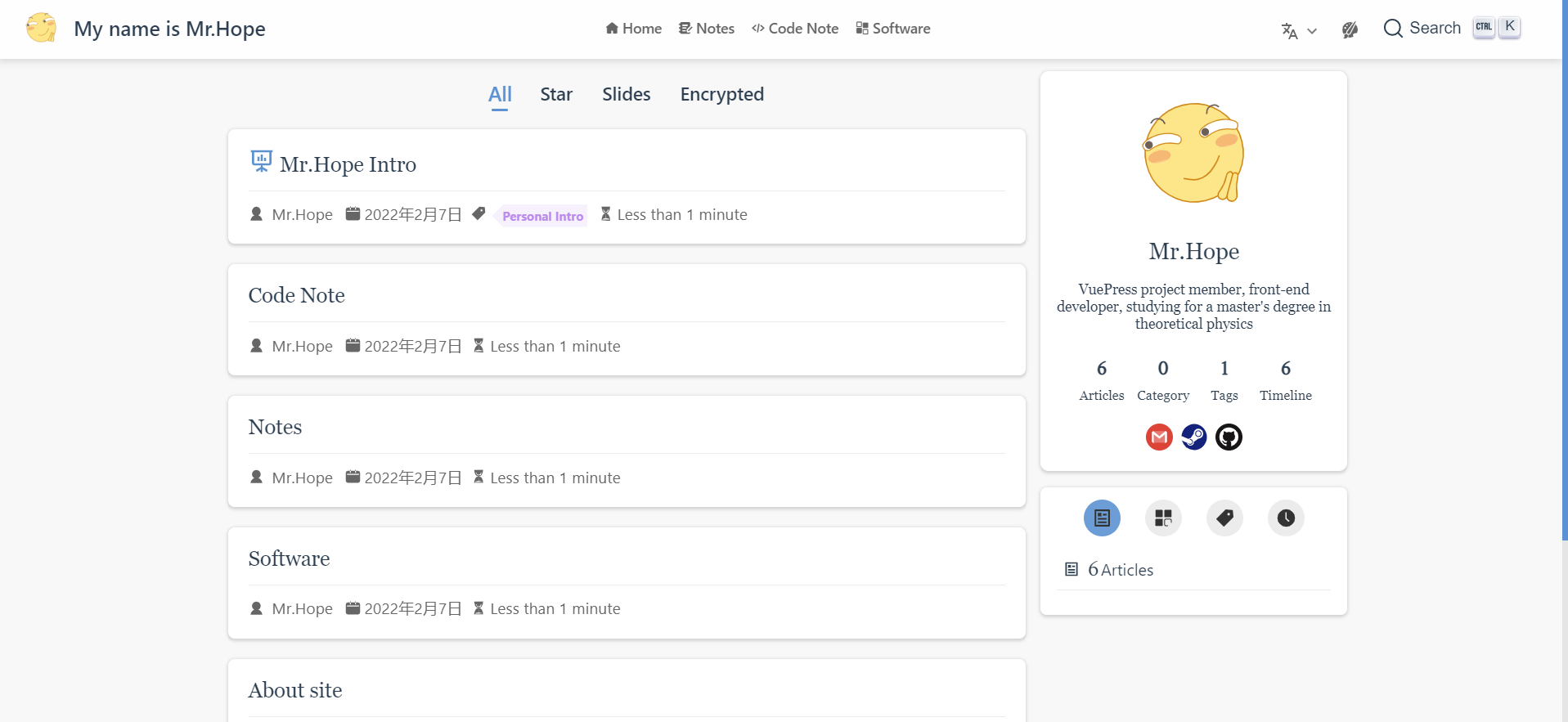
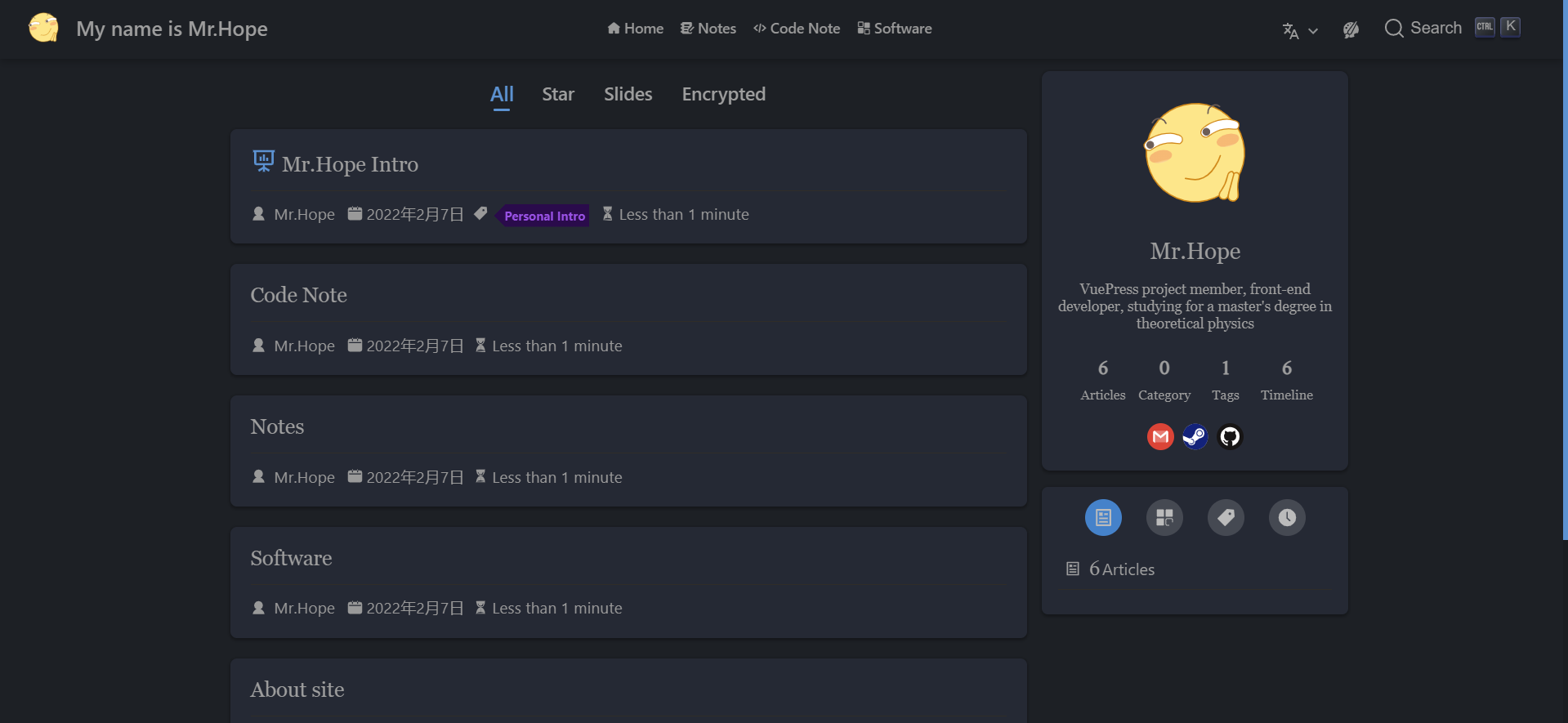
Article Configuration
By default, all Markdown files are included in the article list.
- Exclude Articles: Set
article: falsein the page Frontmatter, or configure custom exclusion logic viaplugins.blog.filterin the theme options. - Sticky Articles: Set
sticky: truein the Frontmatter to pin an article to the top of the list.
Tips
To explicitly control the sorting order of sticky articles, assign a numeric value to sticky (e.g., sticky: 2). Higher values are prioritized.
Excerpts
Defining Excerpts
Use the <!-- more --> comment in your Markdown file to designate an excerpt. Any content preceding this marker is extracted as the article excerpt.
To override the default extraction, define a custom HTML string via the excerpt option in the Frontmatter.
Auto-generation
By default, the theme extracts article excerpts automatically.
To disable auto-generation and exclusively display manually specified excerpts or Frontmatter descriptions, set plugins.blog.excerptLength: 0 in the theme options.
Excerpt Limitations
- Development Environment: Auto-extraction is disabled by default in the development server for performance. Enable it via the
hotReloadoption. - Context Isolation: Excerpts separated by
<!-- more -->are rendered into HTML strings independently. Content outside the excerpt is excluded from the rendering context. Consequently:- The
[[toc]]marker cannot resolve headings located outside the excerpt. - Reference links and footnotes defined outside the excerpt will not render correctly.
- The
- DOM Injection: Excerpts defined via Frontmatter or auto-generation are injected directly via
innerHTML. Vue components and specific VuePress directives will parse as native HTML tags and fail to render.
:::
Star Articles
Setting star: true in the Frontmatter marks an article as high-quality content. Starred articles are aggregated at the /star/ route and prominently displayed in the blog homepage sidebar.
Tips
Assign a numeric value to star (e.g., star: 5) to control the sorting order. Higher values appear first.
Custom Article Types Advanced
Define supplementary article categorization lists via the plugins.blog.type array in the theme options.
Each type object accepts the following configurations:
key: A unique string identifier (no special characters). Generates the route path/<key>/by default.filter: A function(page) => booleandetermining whether a page belongs to this type.sorter: A function(pageA, pageB) => numbercontrolling the sorting order within the list.path: Overrides the default/<key>/route path.frontmatter: A function(localePath) => objectdefining the Frontmatter for the generated layout page (commonly used to assign atitle).
Note
The layout property defaults to the theme's built-in Blog layout. Modify this value only if you are implementing a custom layout component for this specific article type.
To ensure the custom type displays correctly in the UI, apply one of the following methods:
- Map the
keyto a localized string viablogLocalesin the theme options. - Assign a
titlewithin thefrontmatterconfiguration function.
Example Configurations
Creating custom lists for slide and original content types:
import { dateSorter } from "@vuepress/helper";
import { hopeTheme } from "vuepress-theme-hope";

export default hopeTheme({
  blogLocales: {
    slide: "Slides",
    original: "Original",
  },

  plugins: {
    blog: {
      type: [
        {
          key: "slide",
          filter: (page) => page.frontmatter.layout === "Slide",
          frontmatter: () => ({ title: "Slides" }),
        },
        {
          key: "original",
          filter: (page) => !!page.frontmatter.original,
          sorter: (pageA, pageB) => dateSorter(pageA.frontmatter.date, pageB.frontmatter.date),
          frontmatter: () => ({ title: "Original" }),
        },
      ],
    },
  },
});
Changelog
2d7bd-on9a4c3-on1e9f5-on2aada-onb1230-on99f51-on0f326-onb51ab-on2a306-on8174c-onb9b1a-on63a5e-ona0e17-on3afa9-on02145-on012b9-onb27e7-onf4127-on9856d-on1bd08-onfd395-on1eb77-on60053-onf6ff0-on3be03-onfb3f5-on04b8a-on3c199-on
Contributors
 Mr.Hope
 Nan Huang